

Build Better HD Images Through Hands-On Training at Your Location
Bring the learning directly to your ultrasound room, equipment and team. A focused onsite course can turn system controls, acquisition technique and studio workflow into a repeatable practice plan built around the way your business operates.
Train Where the Scanning Will Actually Happen
Hands-on HD ultrasound training at your location connects instruction to the exact system, transducer, monitor, room layout and client flow your team will use. Instead of learning a sequence on unfamiliar equipment and translating it later, learners can practise a complete routine in their working environment.
This format is especially useful for a studio that already has equipment installed, a new team preparing to open, or an experienced operator who wants more deliberate practice with image acquisition and system controls. The course can focus on the specific skills that matter to that studio rather than repeating material the learner already understands.
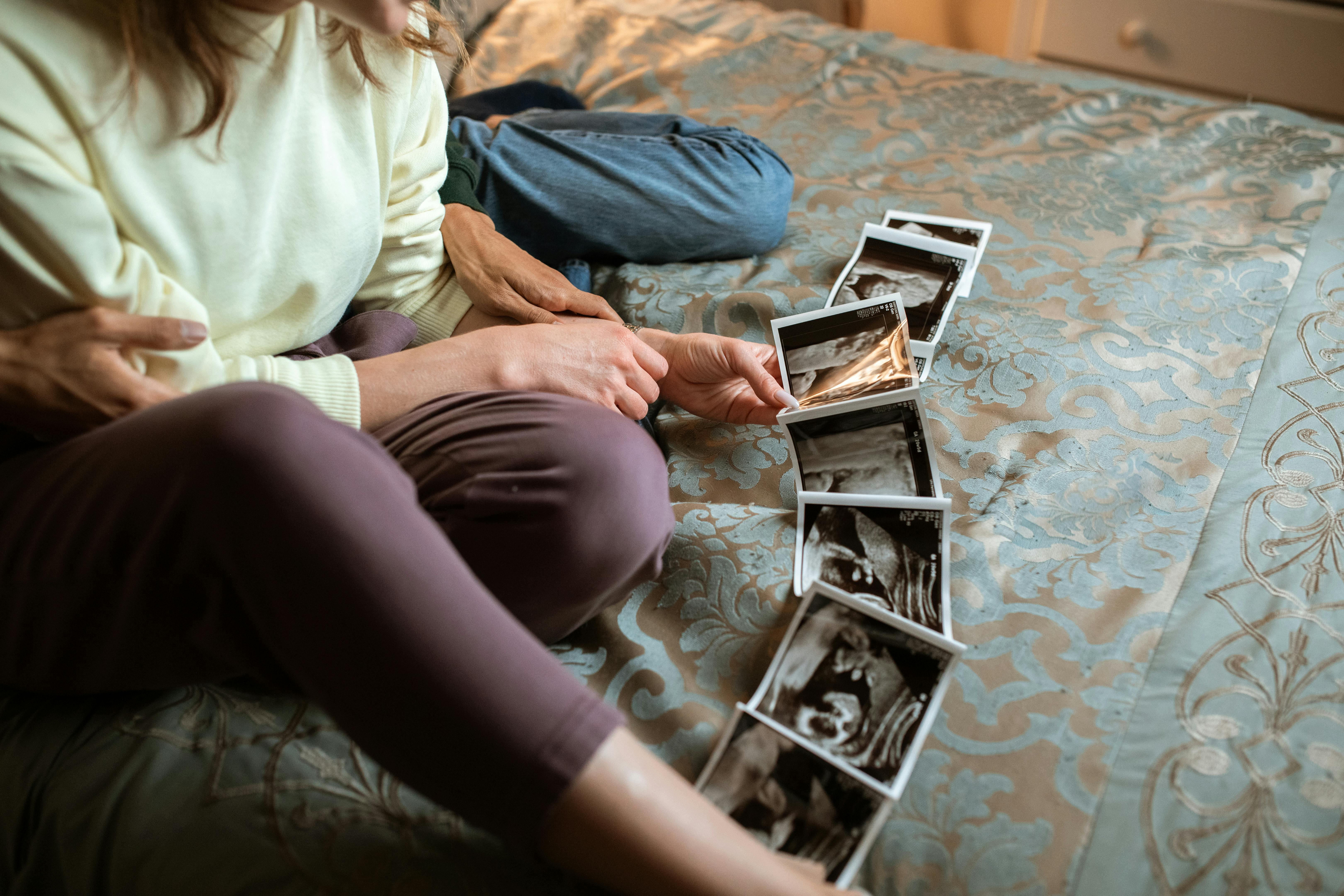
Six Areas an Onsite Skills Intensive Can Develop
The most useful plan defines observable skills before the training date, then gives each learner time to operate the system and receive specific feedback.
System orientation
Locate the controls, presets, probes, display options and saving functions used during the studio’s normal appointment flow.
2D foundations
Practise orientation, transducer movement and a consistent scan sequence that supports the later volume-acquisition steps.
Image optimisation
Adjust depth, gain, focus, angle and related settings intentionally as the image and scanning conditions change.
HD workflow
Move through acquisition, rendering, refinement and saving with a repeatable process suited to the installed system.
Team consistency
Give scanners and support staff a shared sequence for preparing the room, guiding the session and delivering media.
Practice priorities
End with a written list of strengths, developing skills, questions and the next repetitions to complete after the course.
Prepare the Machine, Room, Team and Models
A short pre-training review helps the instructor shape the course around the studio. Share accurate equipment information, learner backgrounds and goals early enough to resolve setup questions before hands-on instruction begins.
The ultrasound system should be installed, functioning and supported by the appropriate service resources. The room should be arranged for instruction as well as scanning, with comfortable space for the learner, trainer and approved practice model.
Document the system
Provide the manufacturer, model, software version, probes, manuals, service contact and any current workflow questions.
Define the learners
List each participant’s role, experience, current responsibilities and the skills that person wants to develop.
Prepare the room
Confirm power, seating, privacy, lighting, screen visibility, cleaning supplies and space for guided practice.
Coordinate practice models
Agree on scheduling, consent, comfort, privacy, communication and backup arrangements with the provider.
Choose success measures
Decide how the trainer will observe performance, record feedback and identify post-course practice priorities.
Build the Day Around Learning Blocks, Not Passive Hours
The exact schedule should match the learner, system and available practice models. A useful structure keeps the operator active and builds each technique on the skills practised immediately before it.
| Learning block | Hands-on activity | Training purpose |
|---|---|---|
| Room and system setup | Prepare the space, select the probe and preset, review controls and confirm how media will be saved. | Create a consistent opening routine for the studio. |
| 2D orientation | Practise a systematic scan sequence and connect transducer movement to the changing image. | Strengthen the foundation for later acquisition work. |
| Control decisions | Change one setting at a time while observing depth, focus, gain, angle and image presentation. | Understand when and why a control adjustment helps. |
| Volume acquisition | Prepare the view, acquire the volume and repeat the sequence under different suitable conditions. | Make the capture process more deliberate and repeatable. |
| HD refinement | Work through rendering, surface presentation, refinement and media-saving choices on the installed system. | Connect technical choices to a polished studio workflow. |
| Complete appointment flow | Combine client welcome, positioning, scanning, guest communication, image selection and session close. | Integrate technical skill with the client experience. |
| Review and next steps | Repeat priority skills, discuss questions and write the continued-practice plan. | Carry the course into structured improvement after the visit. |
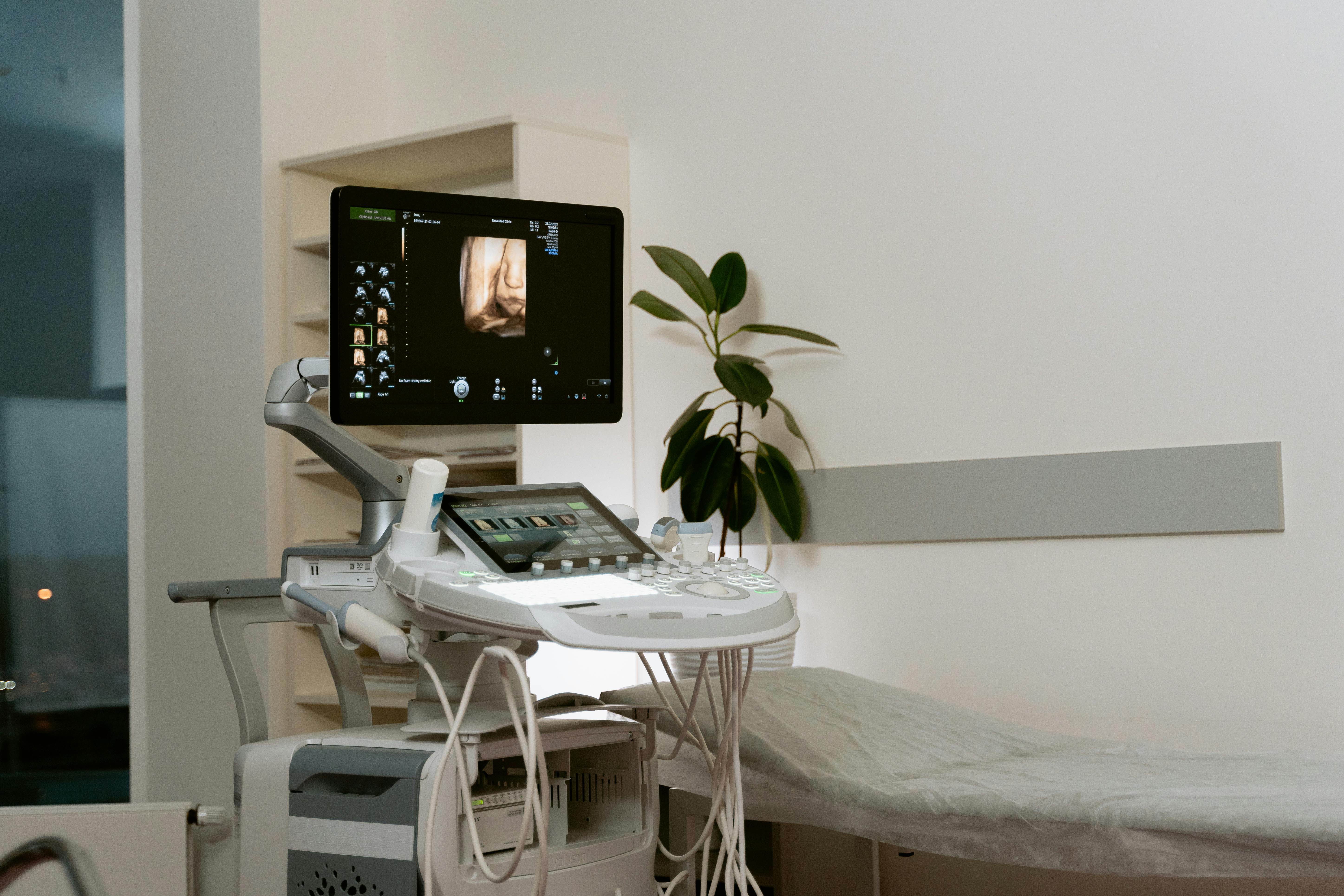
Move From Preset Selection to Purposeful Control Decisions
A preset provides a starting point. Hands-on instruction can help the learner understand what to evaluate next and how to make measured changes rather than adjusting several controls without a clear reason.
The instructor can demonstrate a decision, let the learner repeat it, and then compare the result. Working on the studio’s equipment also allows the team to document the exact control locations and sequence used in its own operating notes.
Prepare the view
Begin with orientation, a suitable angle and a clear scan plan before moving into refinement.
Observe one variable
Change a single control, watch the result and connect the adjustment to its purpose.
Repeat the acquisition
Recreate the sequence so the technique becomes organised rather than accidental.
Save and review
Compare representative images and record the conditions and decisions that supported them.
Give Every Participant a Defined Role in the Learning Plan
A team course works best when each person has protected practice time and the entire staff understands the shared appointment workflow.
Scanner responsibilities
- Prepare the system and select the planned starting setup
- Use an organised scan and acquisition sequence
- Explain control choices during guided practice
- Guide positioning and communicate with the client
- Save representative media consistently
- Record questions and continued-practice priorities
Support-team responsibilities
- Prepare the room and confirm appointment materials
- Welcome clients and explain the studio flow clearly
- Support guest seating, privacy and comfort
- Manage display and media-delivery steps
- Reset the room using the studio’s documented process
- Route technical and training questions to the right person
Protect the Value of Training With a Continued-Practice System
The course should finish with more than general encouragement. Ask for a concise plan that names the skills to repeat, the questions to track and the method used for follow-up.
Schedule repetitions
Reserve suitable practice sessions soon after training and keep the room, system and opening sequence consistent.
Choose one priority
Give each session a clear purpose, such as orientation, a control decision, acquisition or complete client workflow.
Maintain a question log
Write down the system setting, scanning condition, result and exact point that needs clarification.
Compare selected images
Review a limited, useful set of examples and connect observations to the technique used during acquisition.
Rehearse the full flow
Practise room preparation, client communication, scanning, media delivery and closeout as one coordinated sequence.
Use agreed follow-up
Know who can answer questions, which materials may be reviewed and the timeframe and scope of support included.
Questions to Ask Before Booking Training at Your Location
Hands-On HD Ultrasound Training at Your Studio
Who is onsite HD ultrasound training designed for?
It can support individual studio owners, established operators, new hires or a small team when the provider confirms the training scope is appropriate for each learner’s background, role and goals.
Does the ultrasound machine need to be installed first?
For machine-specific onsite instruction, the system generally needs to be installed, operational and available for training. Share the equipment details and installation status so the provider can confirm what is required.
Can multiple team members participate?
Team training may be possible. Ask how learner count affects hands-on time, practice-model scheduling, observation, feedback and the overall course structure.
How long should the course be?
The appropriate structure depends on the learner’s starting point, intended skills, machine, team size and available practice models. Request a written plan that connects the proposed schedule to specific learning outcomes.
Does an intensive course replace continued practice?
The course provides concentrated instruction and guided repetitions. A structured practice plan helps the learner reinforce the techniques on the same equipment after the training visit.
What information should I send before requesting a proposal?
Share the studio location, machine configuration, number of learners, participant backgrounds, current workflow, priority skills, timing goals and whether suitable practice models can be coordinated.
Related Training and Equipment Resources
Explore Elective 3D/4D Training
Review the broader hands-on curriculum and the skills a private course can address.
View the training program → Provider selectionPlan Private Onsite Team Training
Compare learner ratios, equipment readiness, model planning and continued support.
Read the onsite planning guide → Equipment decisionsReview the 4D/HD Equipment Guide
Use a vendor-neutral framework to compare systems, service, workflow and ownership cost.
Open the equipment guide →Build a Training Plan Around Your Equipment, Team and Goals
Share your location, machine details, learner backgrounds and priority skills. Ultrasound Trainers can help you explore a private onsite format designed for active practice, useful feedback and a clear continued-learning plan.
