
Equipping a new elective ultrasound studio involves far more than the machine itself. The complete equipment checklist includes the ultrasound system and probes, display and streaming setup, printing hardware, client comfort items, consumable supplies, and administrative technology. Getting all of these right before opening day prevents operational gaps that cost revenue and client satisfaction.
The ultrasound machine gets most of the attention in equipment planning conversations. It is the largest single purchase, the most performance-critical component, and the one that shapes everything else in the studio. But studios that focus exclusively on the machine and treat everything else as an afterthought consistently run into the same operational gaps in their first weeks: missing supplies, display setups that do not work correctly during live sessions, printing failures on a client’s first visit, or client comfort issues that generate negative reviews before the business has had a chance to build its reputation.
This checklist is organized by equipment category, with enough explanation of each item to help you understand why it matters, not just that it needs to be purchased. Use it as a pre-opening verification tool, not just a shopping list.
The Ultrasound System
Primary Ultrasound Machine
The machine should be selected, purchased, delivered, and tested in your actual studio space before you open. Testing in the studio matters because power supply quality, ambient light conditions, and the physical setup of the room all affect how the machine performs and how the images will look during live sessions. Do not assume a machine that performed well in a warehouse or showroom will perform identically in your space without verifying it.
3D/4D Convex Probe
The primary probe for elective 3D and 4D imaging. Verify that the probe included with your machine is in good condition, compatible with the software version you are running, and appropriate for the gestational range you will serve. Some studios operating early gender determination services at 14 to 16 weeks should also confirm that 2D resolution at shallow depth settings meets their quality standards.
Probe Cleaning and Storage Supplies
Approved probe cleaning solution compatible with your specific probe materials, a dedicated storage bracket or holder, and probe covers if your protocol requires them. Probe damage from improper cleaning is a real and avoidable risk. Use only manufacturer-approved cleaning methods and document your cleaning protocol as a standard operating procedure from day one.
Display and Streaming Setup
Large Display Screen or Projector
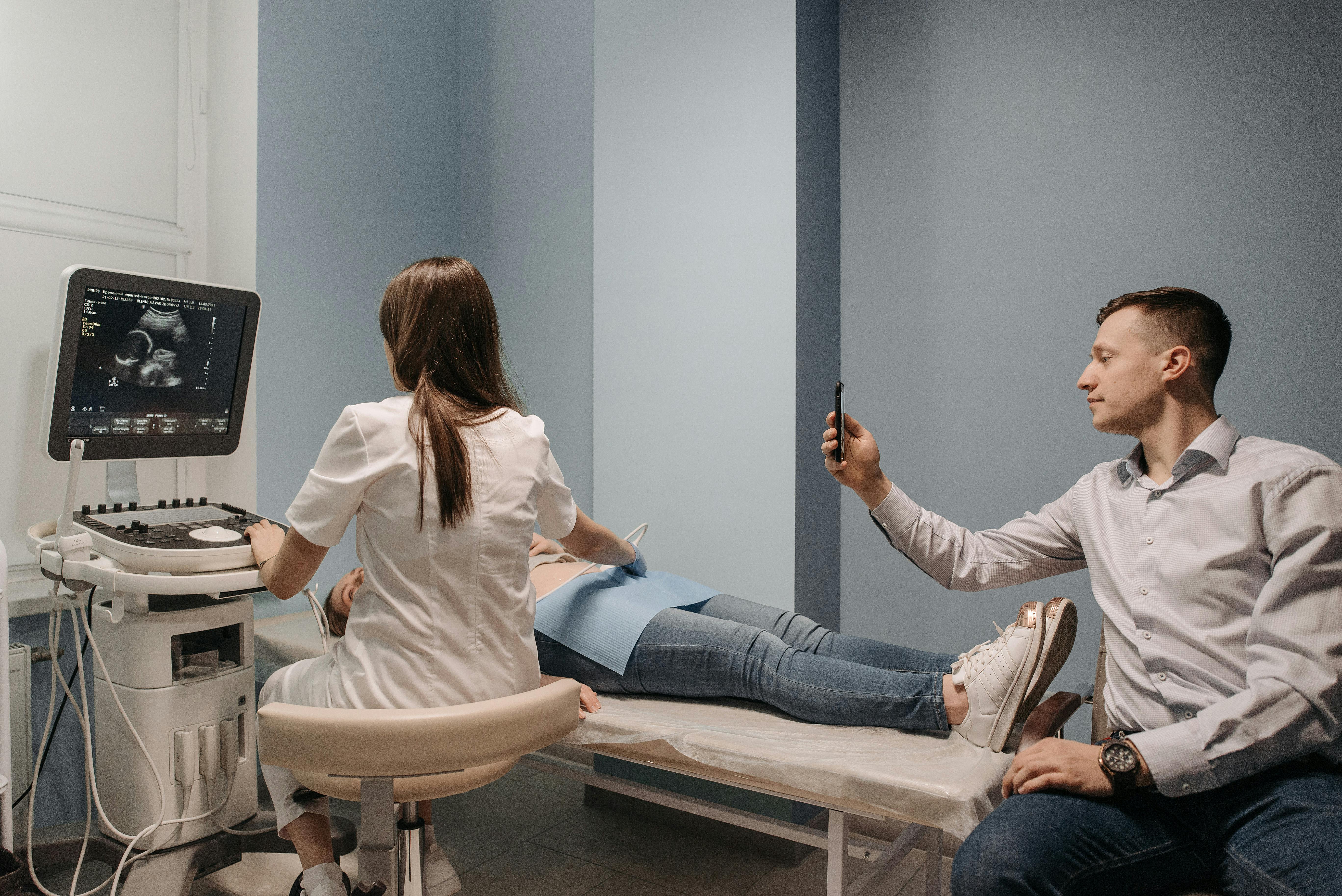
The client-facing display is a core part of the elective ultrasound experience. Families and their guests watch the scan on a large screen, and the quality, size, and positioning of that screen directly affect how they experience the session. A minimum of 55 to 70 inches is appropriate for most studio setups. Confirm cable compatibility with your machine’s video output before purchasing a display, and verify the setup in your actual room configuration before opening.
Video Cables and Connection Hardware
HDMI cables of appropriate length for your room layout, any necessary adapters or splitters, and cable management hardware to keep the setup clean and professional looking. Test every cable connection in your actual studio configuration. Cable failures during sessions are a real operational failure mode that preparation eliminates.
Uninterruptible Power Supply (UPS)
A UPS protects the ultrasound machine and display from power fluctuations and provides brief battery backup in the event of a power interruption. This is not optional for a studio operating a machine that represents tens of thousands of dollars of investment. Power surges are among the most common causes of electronic equipment damage. A quality UPS is inexpensive relative to the equipment it protects.
Printing and Image Delivery
Thermal Printer
A thermal printer connected to the ultrasound machine allows still images to be printed as keepsakes during the session. Thermal printing is the standard for in-session image printing in elective studios because it is fast, does not require ink cartridges, and produces durable images. Confirm compatibility with your specific machine before purchasing, and keep an adequate supply of thermal paper in stock at all times.
Digital Image Delivery Setup
Many studios now deliver digital images and video clips to clients via USB drive, cloud link, or direct transfer. Whatever method you choose, have it set up, tested, and standardized before your first session. Clients who have paid for a premium experience should not be waiting while you figure out a digital transfer process in real time.
Consumable Supplies
Administrative and Technology Equipment
Computer or Tablet for Booking and Client Management
A dedicated device for managing bookings, client intake forms, payment processing, and any back-office administrative tasks. This should be separate from the ultrasound machine’s connected computer if one is included. Keeping booking and client data systems isolated from the ultrasound system is a basic operational hygiene practice.
Payment Processing Hardware
A card reader compatible with your payment processor and integrated with your booking system. Test the complete payment flow from booking through checkout before your first client session. A payment processing failure on a client’s first visit creates an unnecessarily poor impression of an otherwise well-run studio.
Google Reviews Tap Plaque or QR Code Display
Review acquisition is one of the highest-leverage activities a new studio can invest in. A physical tap plaque or QR code display in the checkout area that makes leaving a Google review effortless turns satisfied clients into the social proof that drives future bookings. Have this in place from day one, not as an afterthought after your first 50 sessions. Ultrasound Trainers includes a Google Reviews Tap Plaque as part of its studio launch program.
Frequently Asked Questions
What equipment does a new elective ultrasound studio need beyond the machine?
Beyond the ultrasound machine and probes, a new studio needs a client-facing large display screen with appropriate cabling, a thermal printer and paper, an uninterruptible power supply, consumable supplies including gel and towels, a computer for booking and administration, payment processing hardware, and any keepsake supplies appropriate to the service menu.
How big should the display screen be in an elective ultrasound studio?
A minimum of 55 to 70 inches is appropriate for most studio configurations. The display should be large enough for multiple guests to see clearly from the seating arrangement in your room. Positioning matters as much as size: confirm the viewing angle and distance work well for a group of three to four guests before your studio is configured for operations.
Do I need a thermal printer for an elective ultrasound studio?
A thermal printer is standard for elective studios that offer printed image keepsakes. It connects to the ultrasound machine and allows still images to be printed immediately during the session without ink cartridges. Confirm compatibility with your specific machine before purchasing. Some studios supplement thermal printing with digital delivery options for clients who prefer that format.
What consumables should I stock before opening?
Stock ultrasound gel, thermal paper, gloves, probe cleaning supplies, towels or linens, and any keepsake materials in your service menu. Order enough for the first month of projected volume plus a reasonable buffer. Establish supplier relationships for all consumables before you open, so restocking does not require research under operational pressure.
Do I need an uninterruptible power supply for my ultrasound machine?
Yes. An uninterruptible power supply protects the machine from power fluctuations and provides brief battery backup during power interruptions. Ultrasound machines represent significant capital investment, and power surge damage is one of the most common causes of electronic equipment failure. A quality UPS is inexpensive relative to the protection it provides.
Getting Your Studio Set Up the Right Way?
Ultrasound Trainers can help you think through the full equipment picture as part of our studio launch guidance. Whether you need help evaluating machine options or building out your complete studio setup, reach out to our team.
Get in TouchThis post was developed by the team at Ultrasound Trainers, a company that provides hands-on elective ultrasound training, turnkey studio launch packages, and equipment guidance for studio owners across the country.
Last Updated: April 28, 2026
Get the Inside Track
Training tips, business advice, and exclusive deals delivered straight to your inbox.

How to Get More Bookings for Your Elective Ultrasound Studio in Montana
Struggling to fill your elective ultrasound booking calendar in Montana? This guide covers what actually[...]

Buying an Elective Ultrasound Machine for an Arkansas Studio: What Actually Matters
Ready to buy an elective ultrasound machine for your Arkansas studio? This guide covers the[...]

How to Build a Pre-Launch Marketing Campaign for Your Elective Ultrasound Studio: A 60-Day Countdown Plan
Pre-launch marketing for an elective ultrasound studio begins 60 days before opening. This 60-day countdown[...]

What Career Changers in Hawaii Need to Know About Elective Ultrasound Training
Considering ultrasound training for a career change in Hawaii? This Q&A guide covers what training[...]

How to Find and Recruit Volunteer Scan Models for Elective Ultrasound Practice
Finding volunteer models for elective ultrasound practice is a skill in itself. Learn where to[...]

How to Write an Elective Ultrasound Business Plan That Actually Works
Writing an elective ultrasound business plan? This guide covers what to include, how to build[...]

How to Open an Elective Ultrasound Business in Honolulu: A Practical Startup Guide
Open an elective ultrasound business in Honolulu with confidence. This guide covers training, startup costs,[...]

Adding Elective Ultrasound to an Existing Photography or Doula Practice in Montana
Montana birth photographers and doulas: adding an elective ultrasound add-on business in Montana to your[...]

Starting an Elective Ultrasound Business in Cheyenne, Wyoming: First-Mover Advantage in the Least-Crowded Market in the Country
Thinking about starting an elective ultrasound business in Cheyenne, Wyoming? This guide covers the F.E.[...]
Elective Ultrasound Training for Career Changers in Sweden
Considering a career change into elective ultrasound in Sweden? Find out what training involves, whether[...]

What Career Changers in Fayetteville Should Know About Elective Ultrasound Training
Thinking about elective ultrasound training in Fayetteville, Arkansas as a career changer? This Q&A guide[...]
The Biggest Mistake Las Vegas Elective Ultrasound Studios Make With Their Marketing
Elective ultrasound studio marketing in Las Vegas prioritizes trust and reviews over ad spend. Here's[...]
